 Sign in
Your pattern.
Your stash.
See the finished quilt made from the fabric you already have at home before you cut a thing.
How it works
1. Snap a picture of your pattern
A photo of the pattern cover you already own.
2. Snap a picture of your stash
One picture per fabric — any angle, any light, phone photos too.
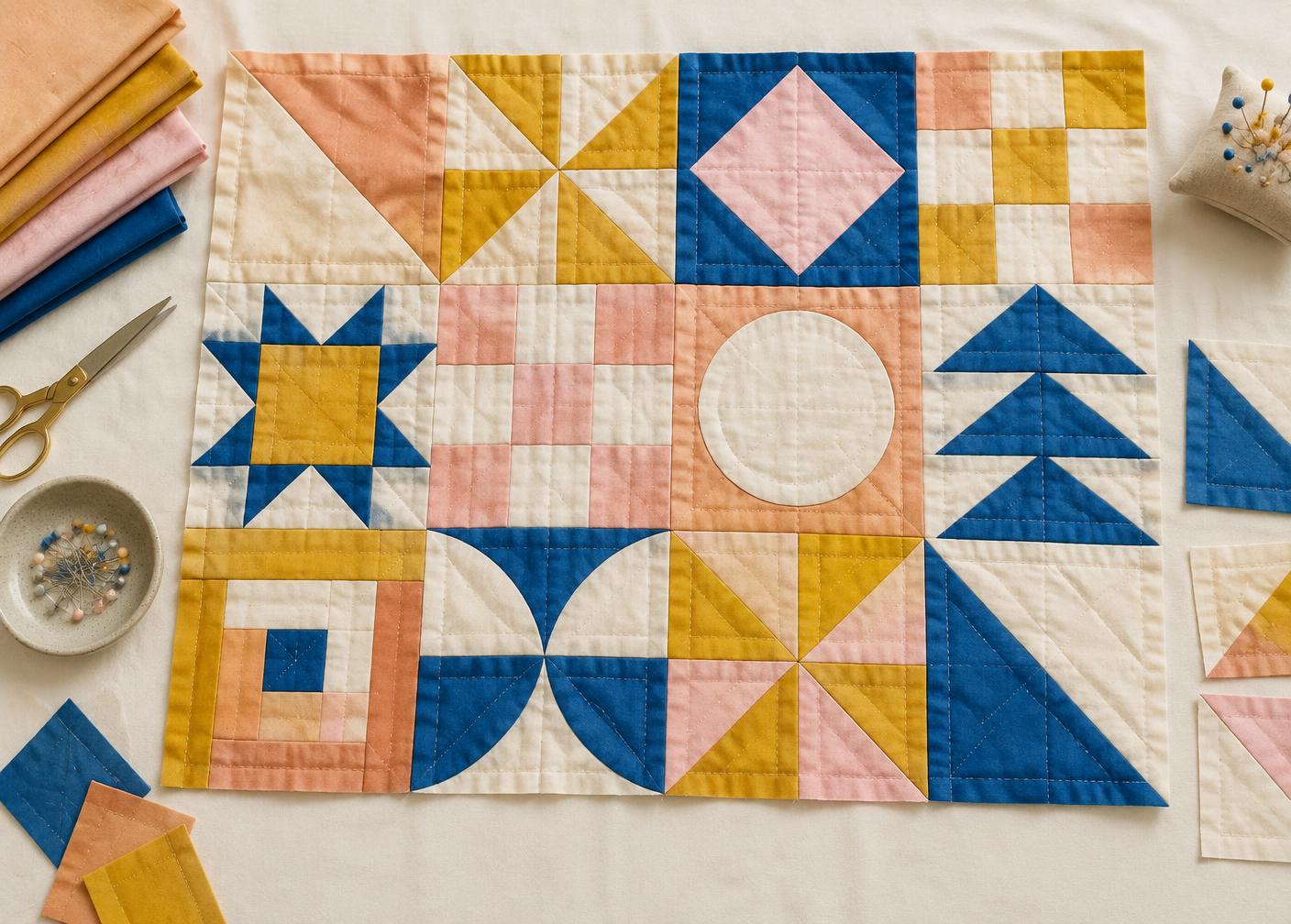
3. See your quilt
Your pattern, pieced from your fabric, with the quilting on top.
4. Swap your fabric versions
“Put fabric 3 in the big squares.” Swap the stitch. Keep every version.
Got a favorite quilting stitch?
Add a photo of it and we'll quilt your preview with that exact design.
Why quilters keep coming back
See what makes Quilt Preview different!
See it before you cut
No more wondering if that big print will work chopped into little pieces. You'll see the finished quilt in your fabric before the rotary cutter ever comes out.
Try a pattern before you buy it
Snap a picture of a pattern at the quilt shop or screenshot one online, and see it in your fabrics first. Then decide if it's worth taking home.
Any pattern, any photo
No waiting for a company to list it or hunting through a library. A quick photo of the pattern cover is all it takes.
Audition every arrangement
Preview one arrangement, then another. Tell it to put fabric 3 in all the big squares, or trade one fabric out and look again — as many times as you like.
Answers to questions you've always wondered about
Three-yard or five-yard? Which fabric for the border? Instead of guessing at the cutting table, you'll see it laid out and know.
Every version, saved
All your previews live in your library. Come back months later, add a new fabric, and remember exactly how you wanted it.
Our story
“I'm a mother of three incredible kids, and I've been quilting for over ten years. I could always see the quilt in my head — that was never the problem. The problem was getting it out of my head. I'd rearrange the fabrics over and over in my brain, trying to picture what would actually look good, and I kept wishing there was an app for that.”
“I found one, but it never did what I wanted. It was finicky, it wouldn't let me click certain things, and it would mess up my layouts. So my son — the tech-savvy one — helped me bring it together myself.”
“Then our quilting friends tried it and loved it. We took it to my local quilt shop, and they loved it too. People really started asking for it, and we just kept growing it from there. That's how Quilt Preview became a thing.”
— The Quilt Preview family
See your quilt before you cut.
Try Quilt Preview free
Get 3 free previews using your own pattern and fabrics. No credit card needed.
Questions
What counts as a preview?
One preview means one successfully generated quilt image. Creating a new preview, rearranging fabrics, or changing the quilting stitch each uses one preview. Viewing or downloading a saved preview does not.
Do my previews expire?
No. Previews from a bundle are yours to use whenever you like.
What if a preview doesn't come through?
It doesn't use a preview. Only finished quilt pictures count.
Will I be charged again?
No. Bundles are a one-time purchase. When you run low, you can buy another bundle if you want to.
Ready to see your quilt before you cut?
Snap a picture of your pattern and your fabric, and see it pieced together tonight from the fabric you already have at home!